Table of Contents
- What Makes an MKE AP5 Trigger Pack Compatible
- Identify Your AP5 Model and Trigger Housing Style
- Checking Pack Type: Semi-Automatic and MP5 Trigger Pack Matches
- Telling Apart SEF and Pictogram Trigger Pack Variants
- Confirming Fit on the AP5 Pictogram Lower
- Compatibility Decision Tree and Verification Checklist
- When to Stop and Get Help With a Trigger Pack Install
- Choosing Your Next Poly Pew Trigger Kit
- Frequently Asked Questions
Last Updated: November 18, 2026
What Makes an MKE AP5 Trigger Pack Compatible
A compatible MKE AP5 trigger pack is one that seats in the correct housing, lines up with the selector, and engages the hammer without binding. Compatibility depends on three things: the AP5 model, the trigger housing style, and the pack type. Get those three right, and most fitment problems disappear.
Many owners assume that any part labeled “MP5” will drop in. That assumption causes most of the trouble. The MP5 pattern shares a lot with the AP5, but small differences in pin locations, housing shape, and selector geometry can stop a pack from seating fully.
Our rule of thumb: verify all three variables before you buy, not after you start the install.
Identify Your AP5 Model and Trigger Housing Style
Start by confirming your exact AP5 configuration. Look at the lower receiver markings and the trigger housing itself. Write down the model variant, the housing style, and whether the lower is a pictogram-style lower or another variant.
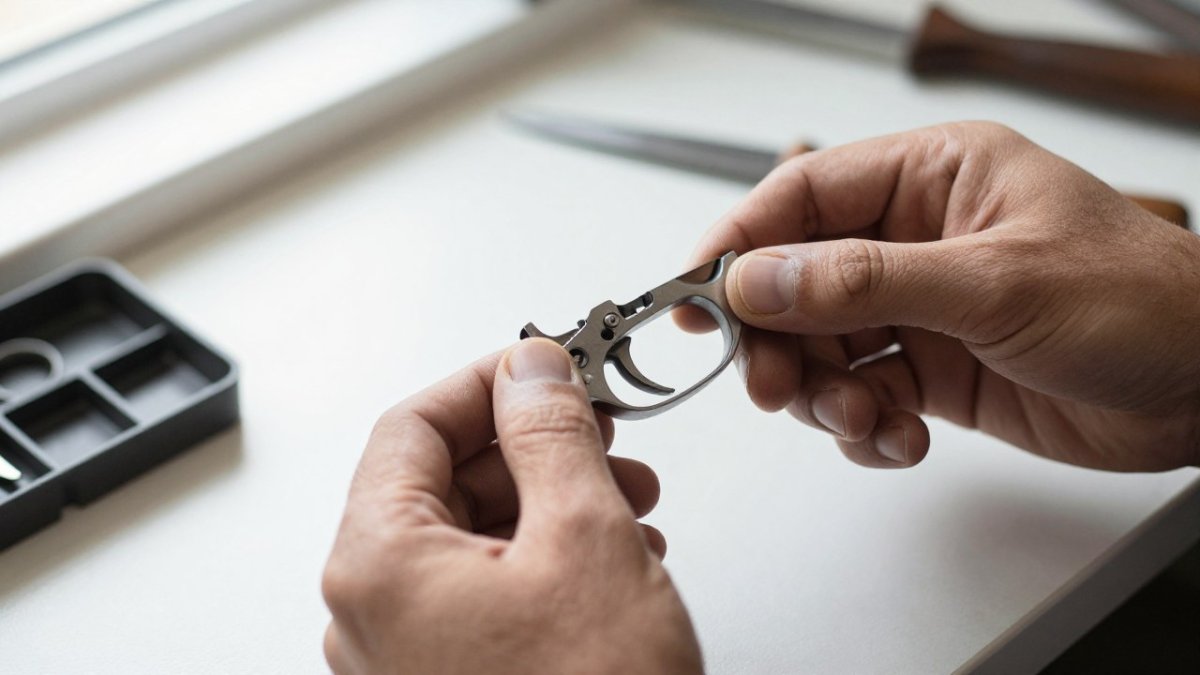
Spotting an SEF-Style Versus Navy-Style Housing
SEF-style housings and Navy-style housings look similar at a glance, but they are not interchangeable. Look at the selector area and the shape around the trigger guard. SEF-style housings typically include a selector configuration that differs from the Navy-style profile.
Check the internal pin locations as well. Pin placement is one of the most reliable ways to tell variants apart. If the pins do not match the pack’s specification, stop and recheck before you force anything.
- Compare the selector area against product photos
- Note the trigger guard shape and any markings
- Check pin locations before you assume a fit
Checking Pack Type: Semi-Automatic and MP5 Trigger Pack Matches
Pack type matters as much as housing style. A semi-automatic trigger pack is built for a specific fire-control setup, and an MP5-pattern pack may not match your AP5 housing even if the names sound alike.
Read the product listing for the exact pack type and the housing it was designed for. If the listing does not say, ask the seller before you buy.
Watch out: a pack that looks identical in photos can still differ in pin spacing. Do not assume a match based on appearance alone.
Telling Apart SEF and Pictogram Trigger Pack Variants
SEF and pictogram packs are the two variants most often confused online, because sellers frequently use the terms loosely and photos are shot at angles that hide the differences. Identify the variant from the pack itself, not from the listing title.
Work through these visible features in order:
- Selector markings. SEF-style housings and packs are associated with the classic safe/emergent/full selector markings on the housing, while pictogram housings use symbol-based markings. Match the pack’s selector interface to the housing’s markings rather than to a product photo.
- Selector lever geometry. Compare the shape and throw of the selector lever where it meets the pack. A pack cut for one housing style will not align cleanly with the other, and the lever will feel restricted or sit at an angle.
- Front edge and contour. Look at the front edge of the pack where it meets the housing walls. The contour should follow the housing’s internal profile with even gaps on both sides.
- Pin locations and spacing. Measure center-to-center pin spacing with calipers rather than eyeballing it. Pin spacing is the single most reliable field check, because two packs can look identical in photos and still differ here.
- Markings and part numbers. Record any stamped or laser-etched numbers on the pack and housing. Cross-reference them against the manufacturer’s specification for your model, not against a seller’s description.
Watch out: a pack that photographs identically to yours can still be a different variant, so confirm pin spacing and selector interface physically before purchase or installation.
Confirming Fit on the AP5 Pictogram Lower
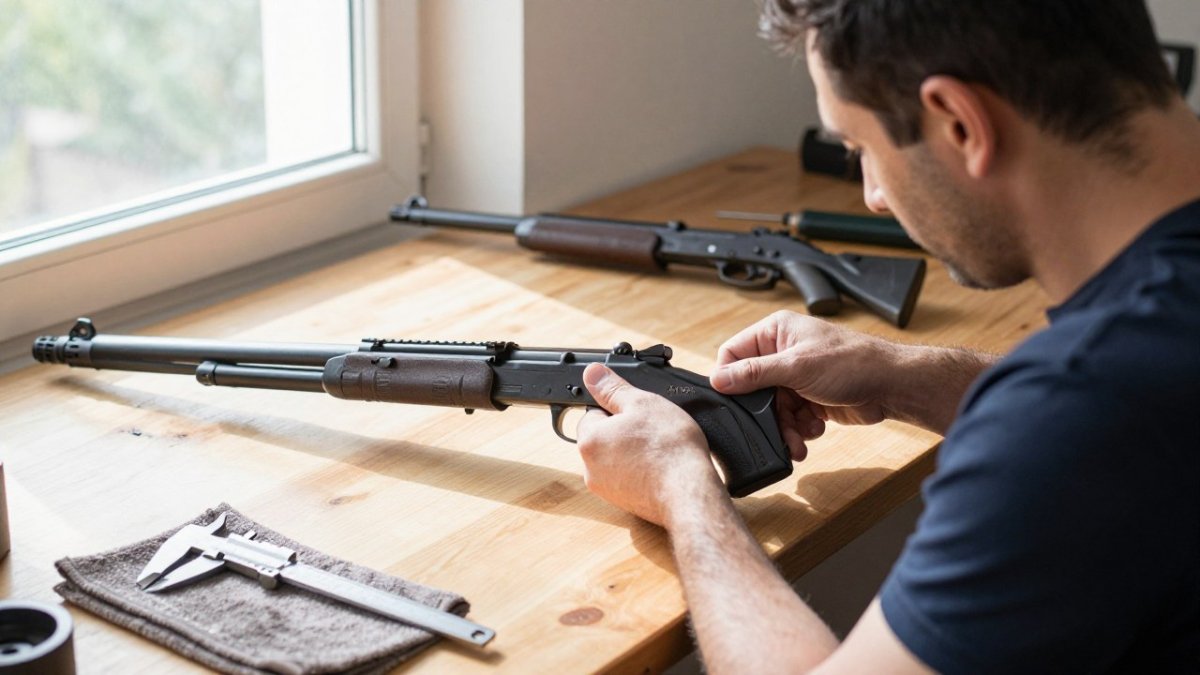
A pictogram lower has its own geometry, so confirm fit in stages before final assembly. Do the dry-fit with the springs and pins out of the way first, then repeat the checks as you add components. This staged approach is the part most forum threads skip, and it is where mismatches actually show up.
Stage 1: Bare dry-fit. Seat the pack into the housing without springs or pins. The pack should drop in with light hand pressure, sit flush at the rear with no gap, and rock freely without binding. If it needs force, stop and recheck the variant.
Stage 2: Selector alignment. Install the selector and cycle it through its full travel. It should move smoothly from position to position with crisp detents and no rubbing against the pack or housing. A selector that binds, stops short, or sits at an angle points to a housing-style mismatch.
Stage 3: Trigger function. With the pack seated, check that the trigger pulls and returns smoothly and that the hammer engages and releases as expected. A gritty or inconsistent pull after assembly usually means the pack is contacting the housing walls or the springs are misseated.
Stage 4: Retention and locating tabs. Confirm the pack is held securely by the receiver’s locating features and that the pins pass through cleanly and sit flush. A pack that shifts under hand pressure or whose pins need driving force is not correctly retained.
Run this checklist before you commit:
- Pack seats flush with no rear gap and no binding
- Selector cycles through full travel with crisp detents
- Trigger pulls and returns smoothly
- Hammer engages and releases correctly
- No contact between pack and lower receiver walls
- Pins pass through cleanly and sit flush
- Pack is secure under hand pressure
If a check fails, match the symptom to the likely cause before changing parts. A pack that will not seat usually indicates a variant or housing-style mismatch. A binding selector usually indicates a selector-interface mismatch. Loose retention or shifting usually indicates worn pins, a damaged housing, or the wrong pack for the lower. Cracks, deformation, or unexpected wear mean stop immediately.
Compatibility is not the same as legality. A pack that fits may still be restricted in your state or configuration, so check federal and state rules before you install or modify any firearm. When a symptom persists after you have confirmed the variant, have a qualified gunsmith inspect the firearm, and do not fire it until the trigger functions correctly.
Work through these four stages in order, and only move on once each one passes.
| Stage | What to check | Stop if |
|---|---|---|
| Bare dry-fit | Pack seats flush, no rear gap, no binding | Pack needs force to seat |
| Selector alignment | Full travel with crisp detents | Selector binds, stops short, or sits at an angle |
| Trigger function | Smooth pull, return, and hammer engagement | Gritty or inconsistent pull after assembly |
| Retention and tabs | Pack held securely, pins flush | Pack shifts or pins need driving force |
Compatibility Decision Tree and Verification Checklist
Use this decision tree to narrow your options:
- Confirm your AP5 model. If you cannot identify it, stop and get help.
- Identify the housing style. SEF-style or Navy-style?
- Check the pack type. Semi-automatic or MP5-pattern?
- Match the variant. Does the pack’s listing name your housing style and pack type?
- Dry-fit the pack. Does it seat without binding?
Before you commit, run this checklist:
- AP5 model confirmed from markings
- Housing style identified and photographed
- Pack type matches the listing
- Pin locations verified
- Dry-fit completed with no binding
- Selector moves through full travel
Compatibility is not the same as legality. A pack that fits may still be restricted in your state or configuration. Check federal and state rules before you install or modify any firearm.
When to Stop and Get Help With a Trigger Pack Install
Stop the install if any of these happen:
- The pack will not seat, and you have confirmed the variant
- The selector binds or does not return
- The trigger feels loose, gritty, or inconsistent after assembly
- You see cracks, deformation, or unexpected wear on any part
Troubleshooting symptoms like these often point to a variant mismatch or a damaged part. Continuing to force the install makes the problem worse. Ask a qualified gunsmith for help if you are unsure, and do not fire the firearm until the trigger functions correctly.
Choosing Your Next Poly Pew Trigger Kit
Once you have confirmed your AP5 model, housing style, and pack type, you can shop with confidence, knowing how to identify a compatible MKE AP5 trigger pack for your build. Poly Pew offers trigger systems and safety kits for MKE builds.
Pricing depends on quantity, dates, and delivery, so check Poly Pew’s website for current prices or request a quote.
Frequently Asked Questions
Are HK trigger packs interchangeable?
Not reliably. HK-pattern trigger packs were designed around specific housings, selector geometry and internal pin positions, so a pack that fits one housing may sit loose or fail to seat in another. Before buying, confirm the housing style (SEF, Navy-style or ambidextrous), the pack type (semi-automatic or full-automatic) and the model variant on both the pack and your lower. Check that the pack lists your exact configuration. Test fit with the selector and pins before final assembly, and do not force a pack that will not seat.
Will an MP5 semi-auto trigger pack fit an MKE AP5?
It can, but only if the pack’s housing geometry, pin locations and selector interface match your AP5 variant. MP5 semi-auto packs are commonly sold for MP5 pattern receivers, and AP5 variants differ in housing style and pack configuration. Compare the listed compatibility against your model, check that the trigger travel and selector engage correctly, and stop if the pack binds, feels loose or requires modification to seat.
How do I identify the trigger housing on an MKE AP5?
Remove the pistol grip and look at the housing shape, the selector cutout and the pin layout. SEF-style housings and Navy-style housings differ in their outline and in where the trigger group sits relative to the receiver. Take clear photos of the housing before ordering parts so you can compare them with the listing. If the housing is unfamiliar or the markings are worn, use the photos to compare against trusted fitment references rather than guessing.
What should I check before buying an AP5 trigger upgrade?
Confirm your AP5 model variant, the trigger housing style and the pack type before ordering. Check whether the upgrade lists your exact configuration and whether it requires any modification. Verify the selector interface and trigger travel after dry-fitting. Pricing depends on the specific product, quantity and delivery, so check Poly Pew’s website for current prices or request a quote before purchase.